Hello friends welcome to FreeCAD Part Modeling tutorial. In this tutorial we will do modeling of Apple Logo in FreeCAD with the help of Part Design Workbench. If you want to learn FreeCAD from scratch you can buy my Complete FreeCAD 1.0 Course : From Zero to Expert! on Udemy.
Related posts:
- FCViewer-: Easiest Way to Showcase FreeCAD Project
- Model Involute Gear in FreeCAD
- Let’s understand FreeCAD Part Workbench
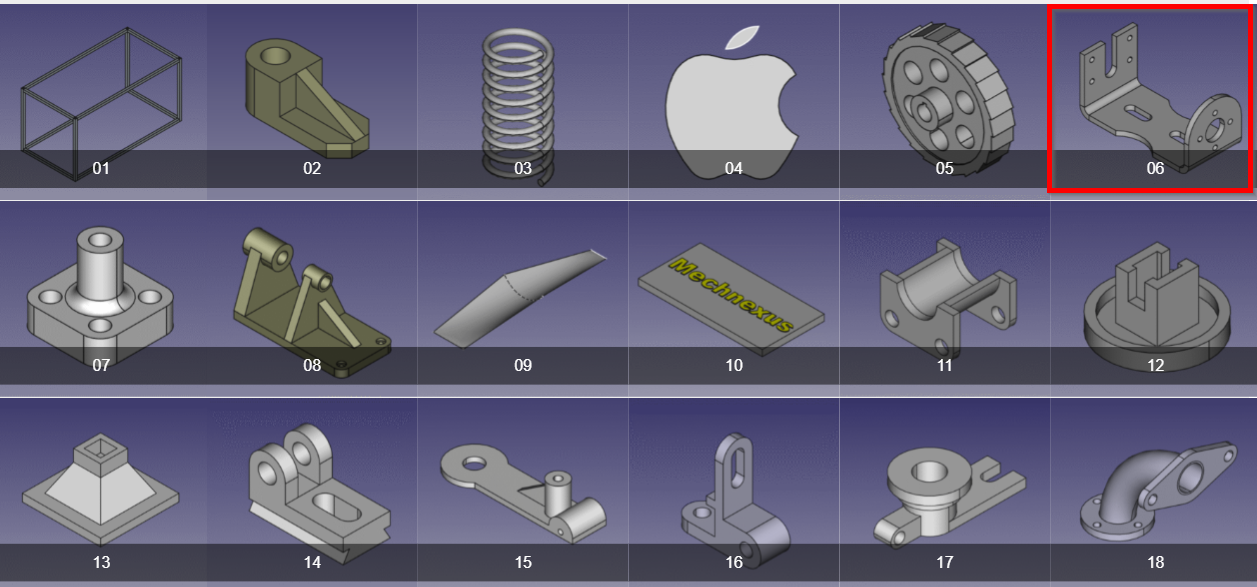
You can download this tutorial FreeCAD model with my FreeCAD 3D Model Library with Serial No.06 As shown in below image. once you click on image you will directed to Google drive folder where you will get FreeCAD model and it’s 2D Drawing. If you like my work please support me on ko-fi.com even if it’s just enough to Buy me a Coffee every little helps and this will be repaid in full through my sharing of knowledge.
Step by Step Video Guide to Sheet Metal Panel in FreeCAD-:
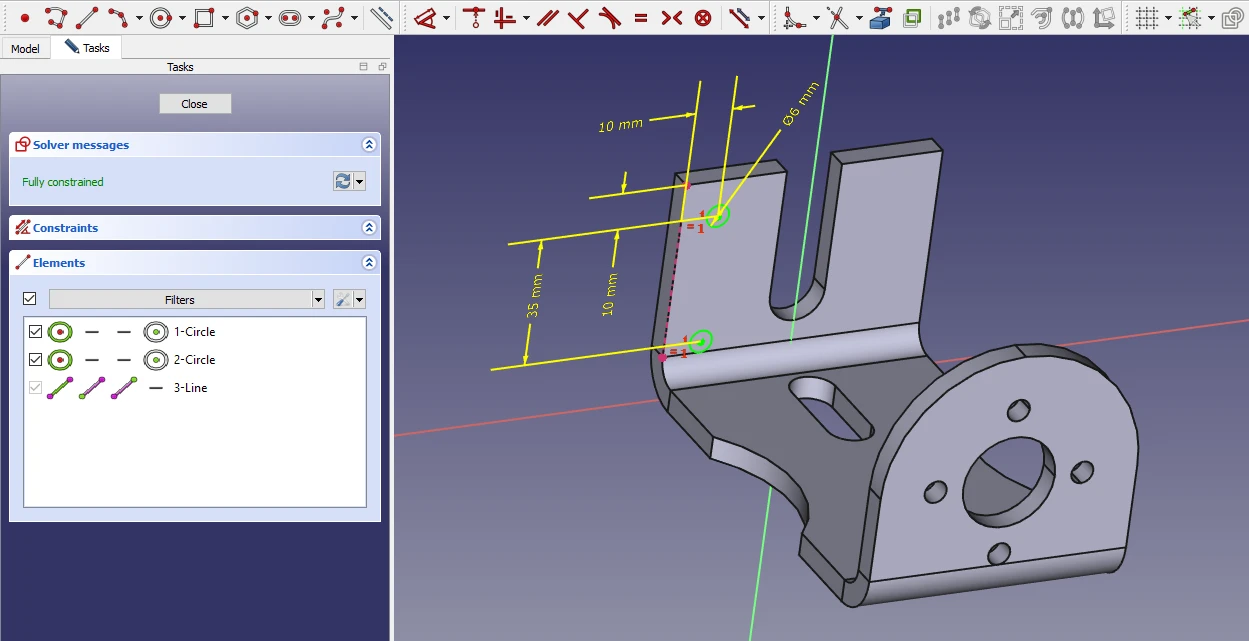

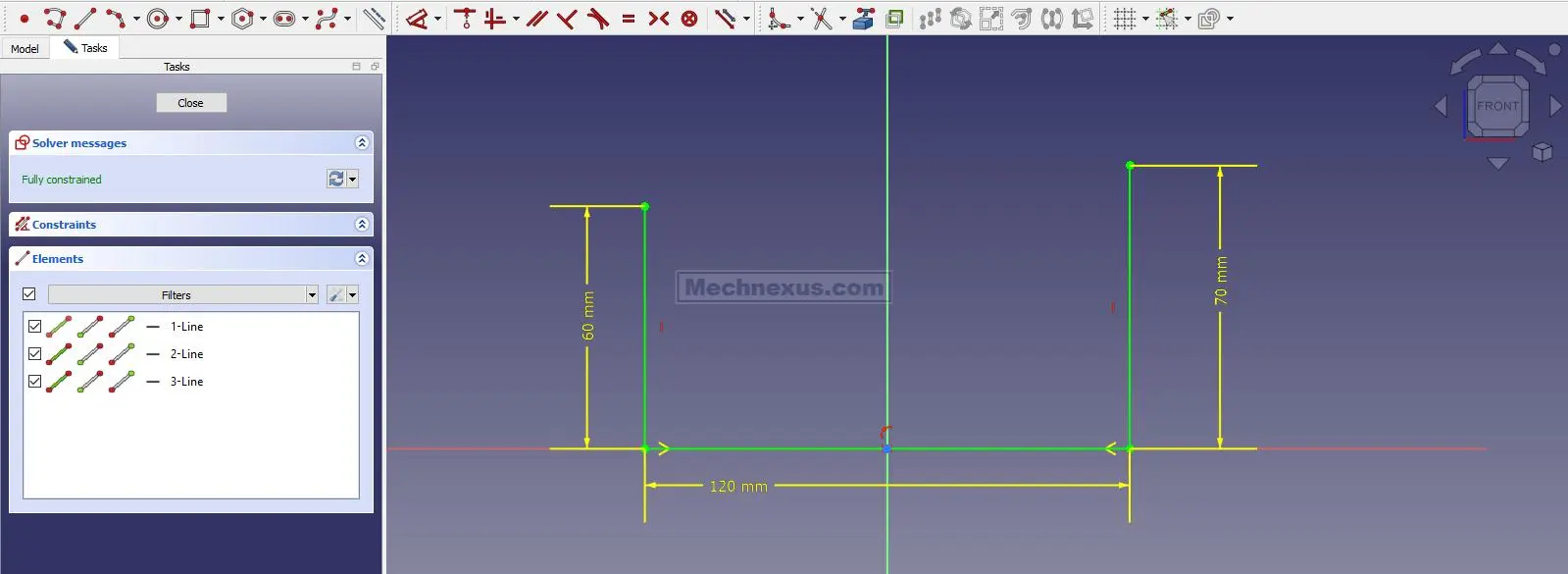
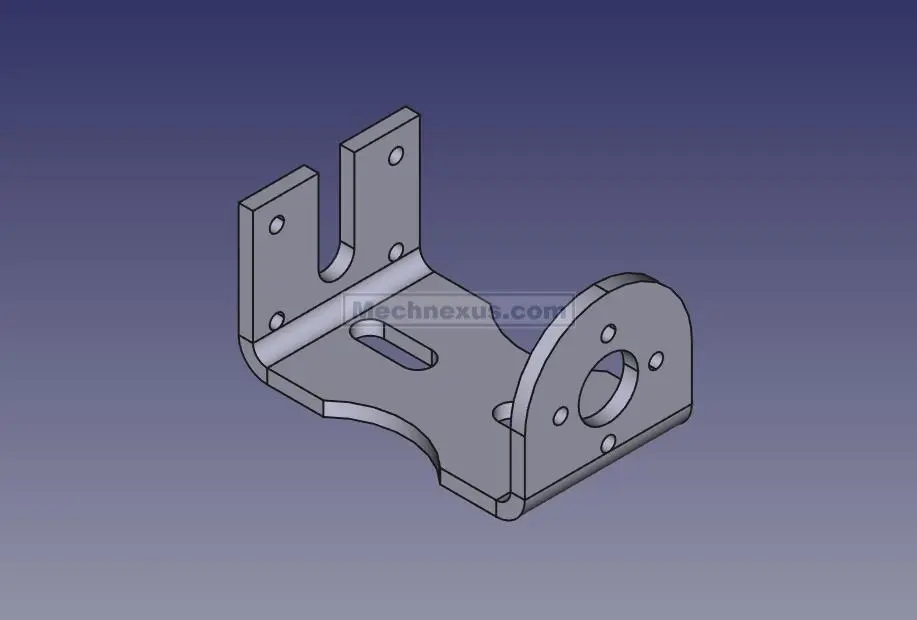 Select the front plane and create below sketch.
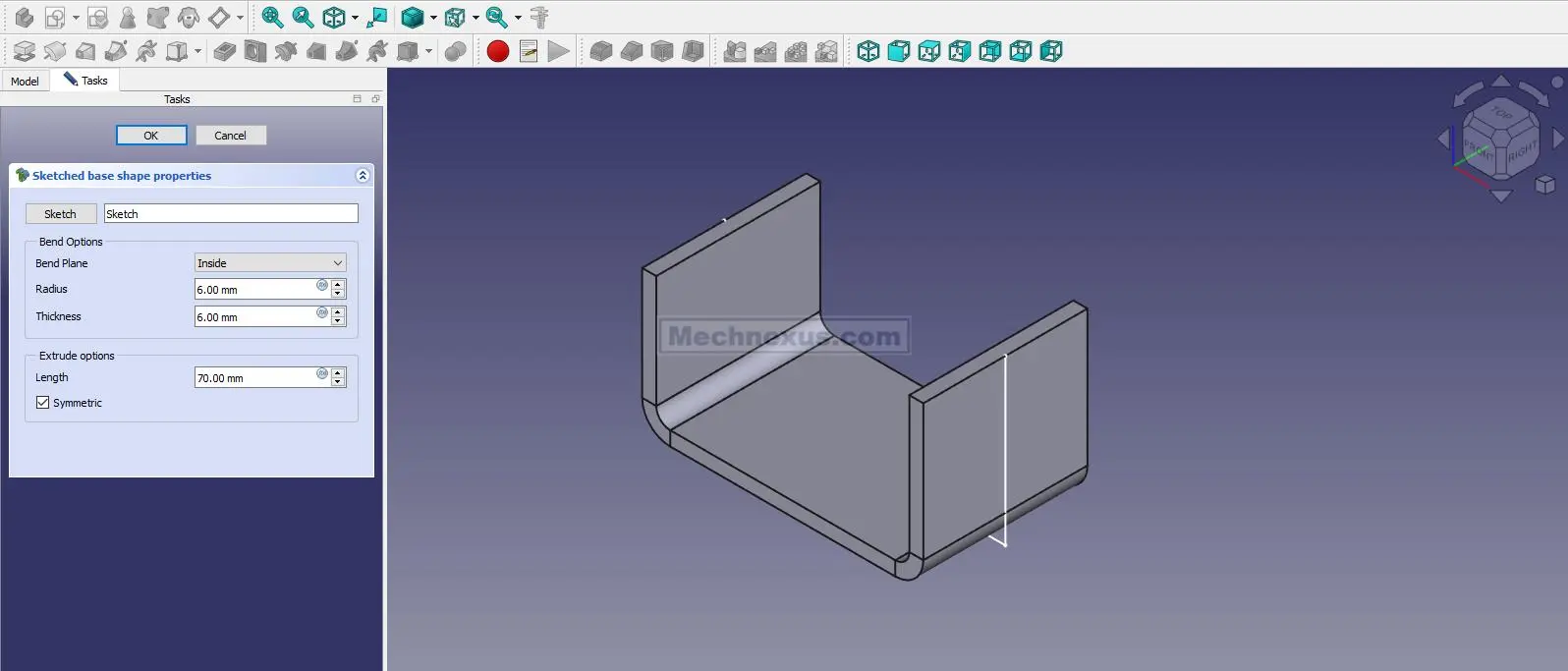
 Create the base shape to the distance of 70mm As shown in below image and keep it symmetric to plane.
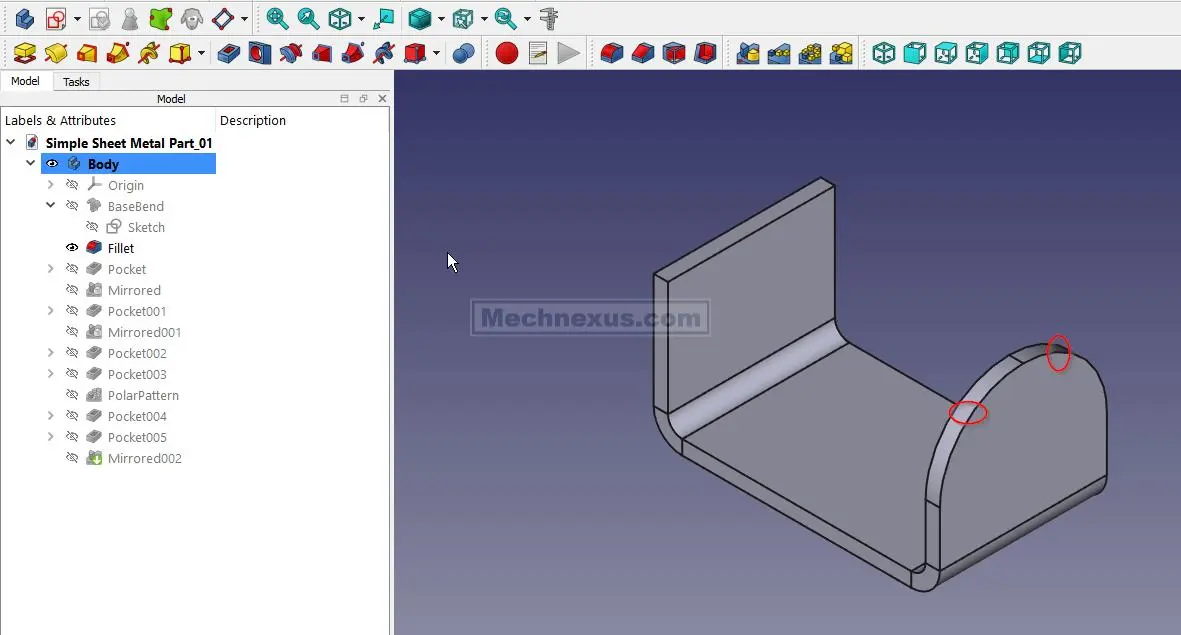
 Create the fillet of 17.5 As shown in below image.
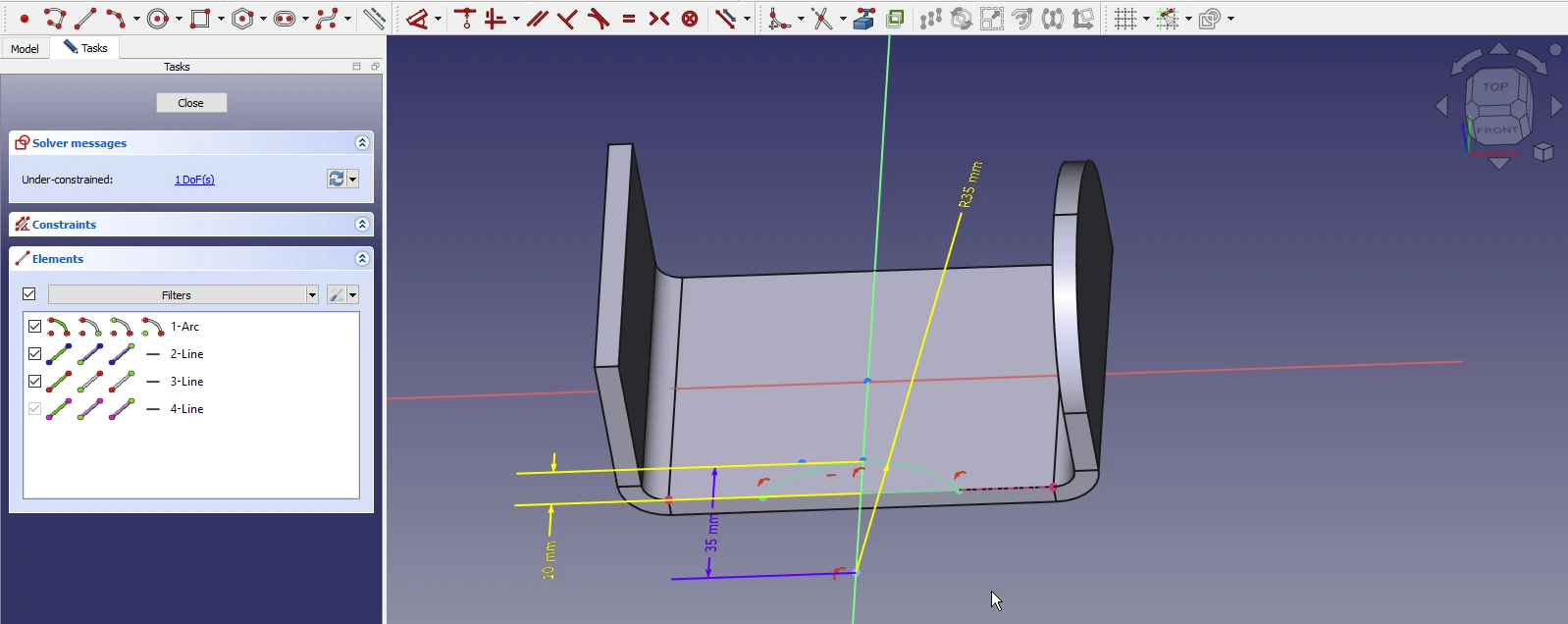
 Select the top face and create the below sketch.
 Create the cut As shown in below image.
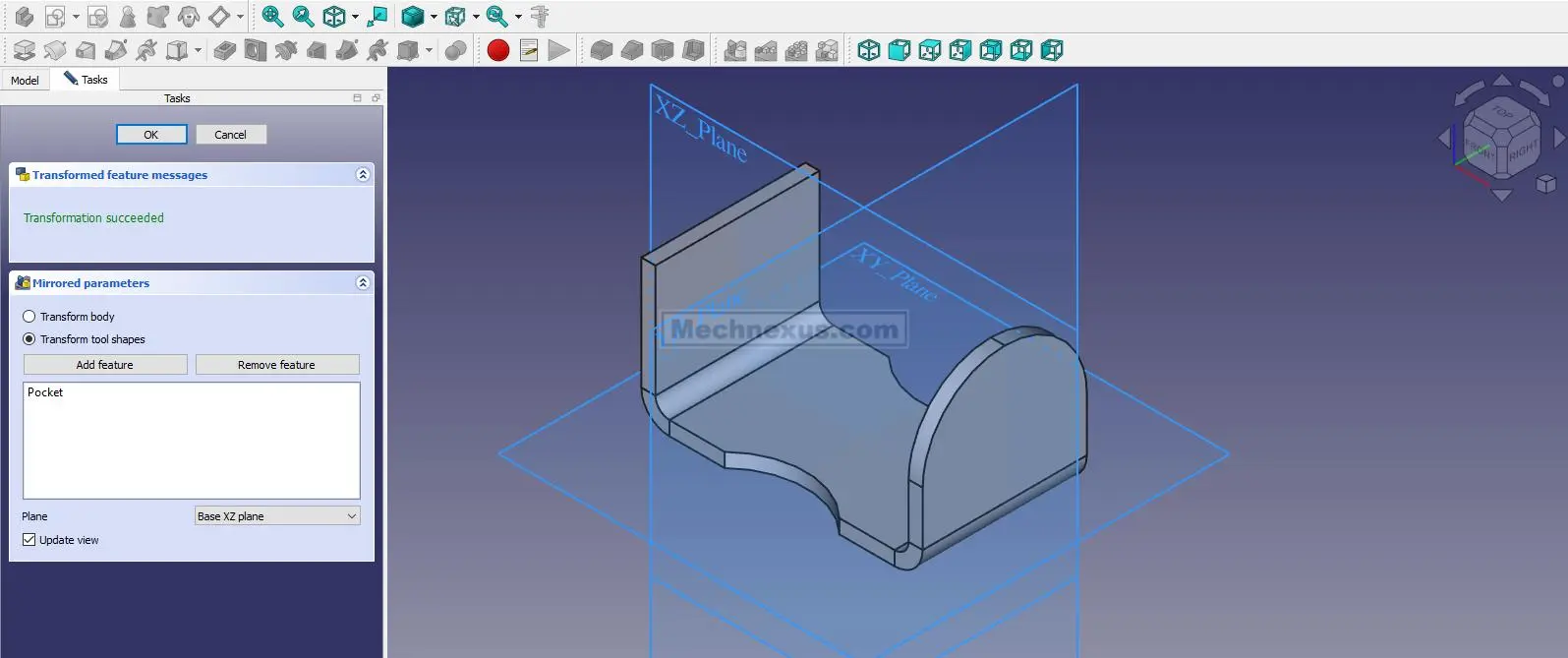
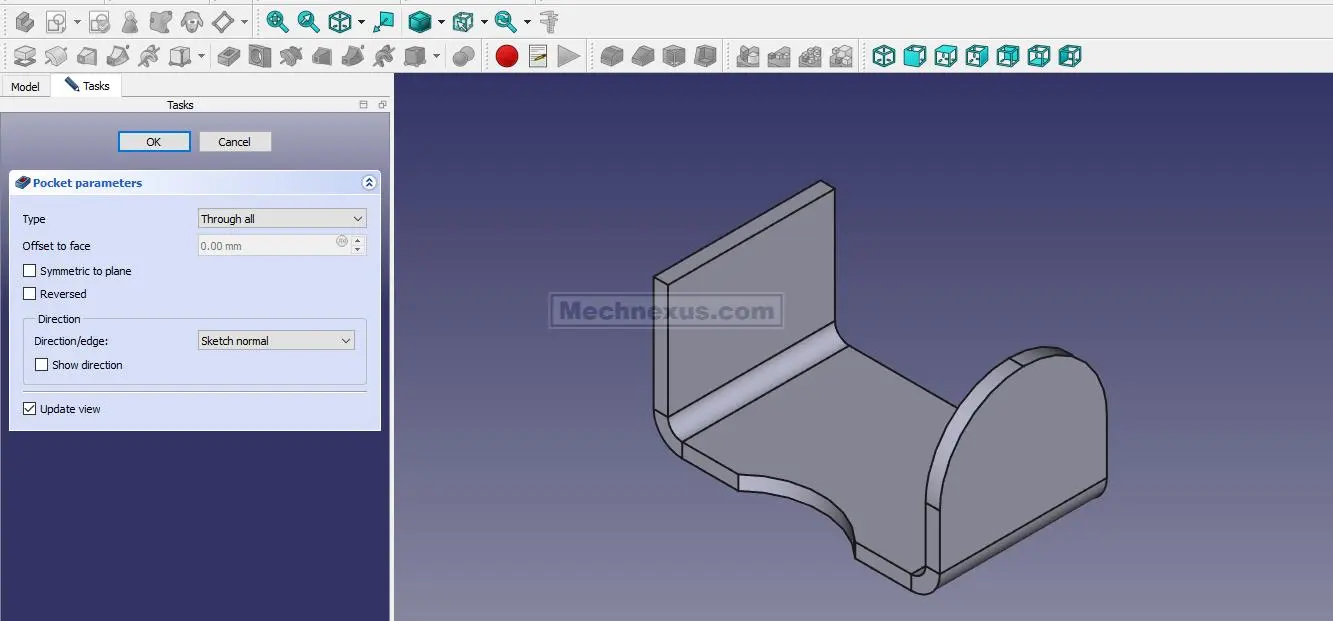 Now mirror the above cut As shown in below image.
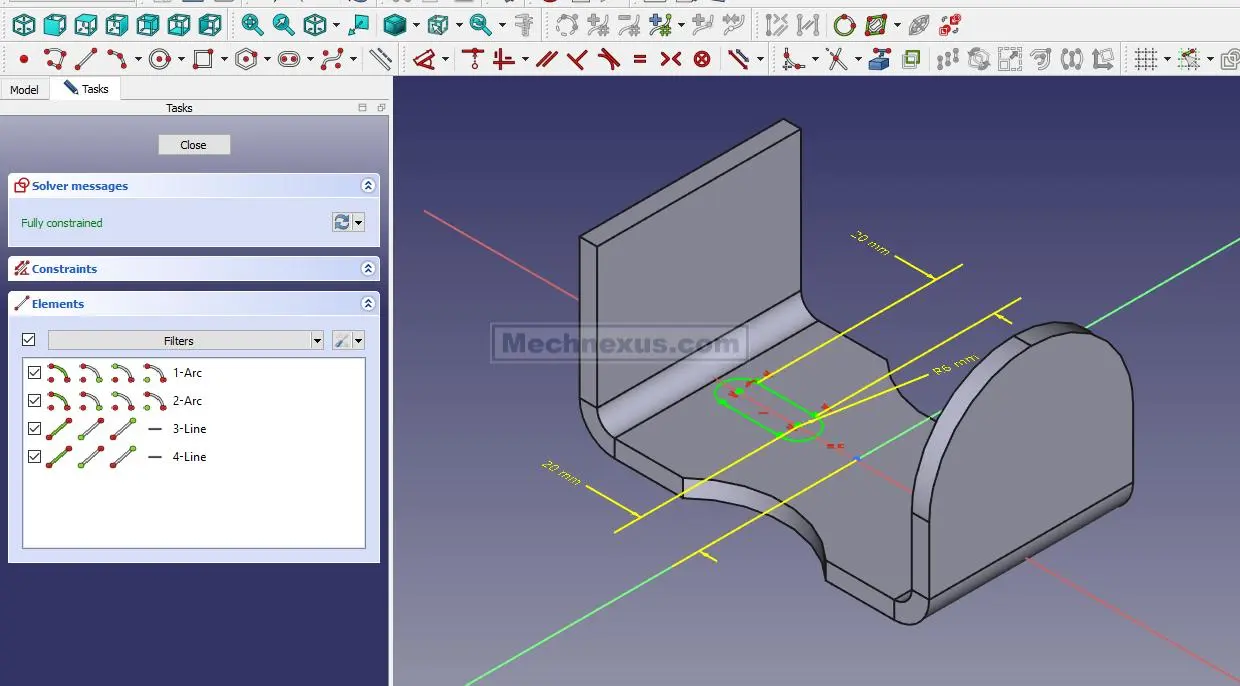
 Now select the top face and create below slot sketch
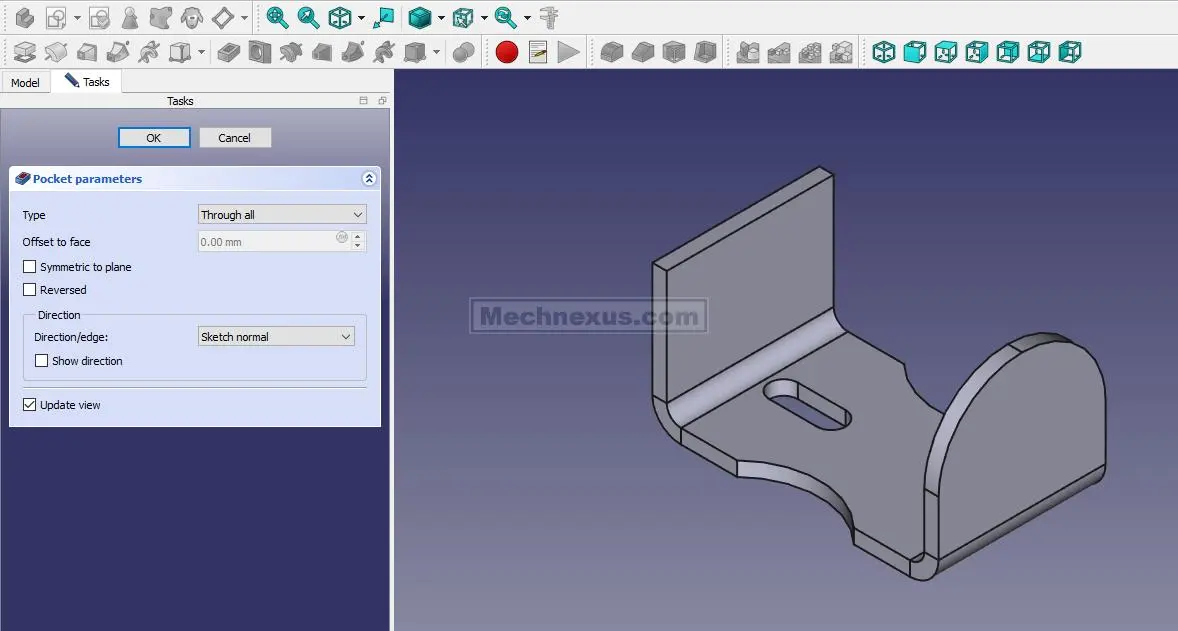
 Now create the below slot cut As shown in below image.
 Now mirror the slot cut As shown in below image.
 Now select the face and create below hole sketch.
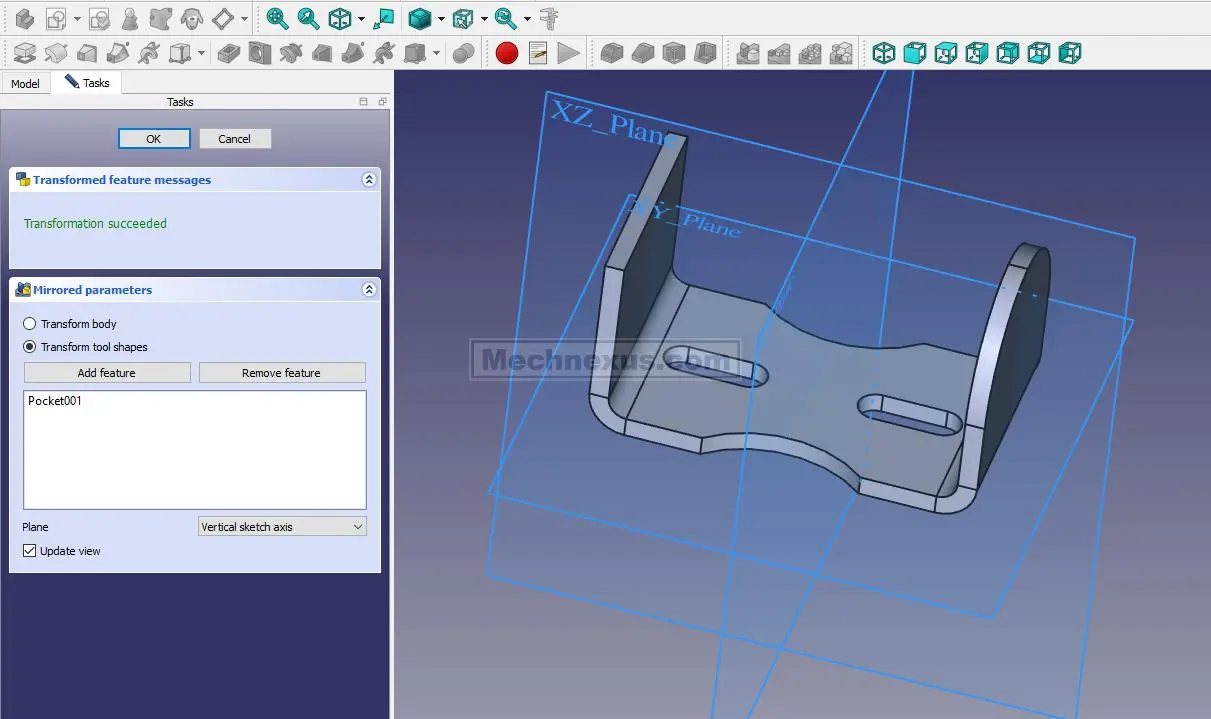
 Now mirror the hole As shown in below image.
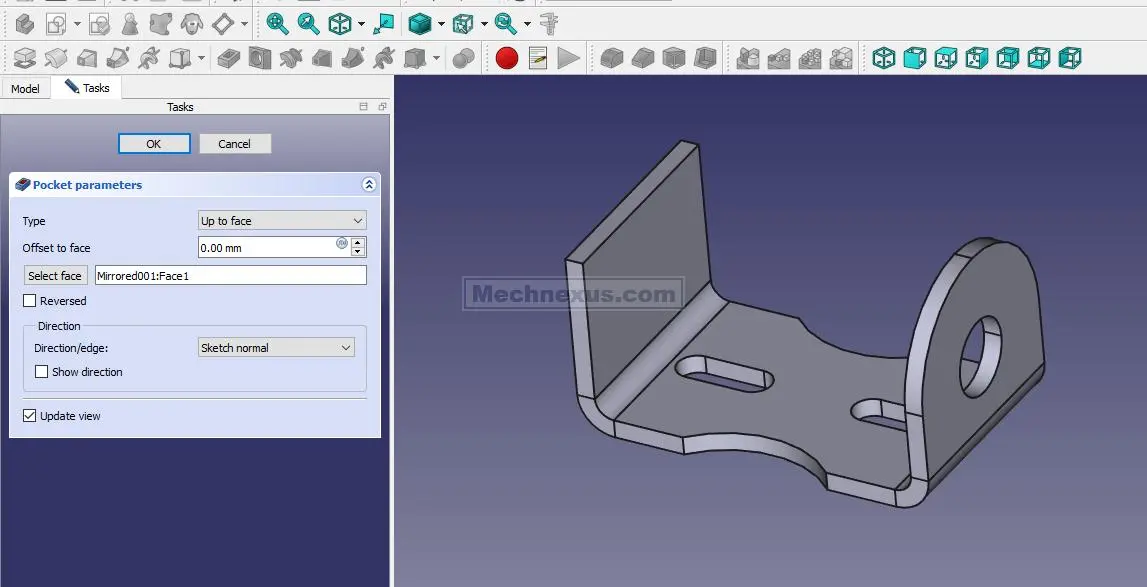 Now create the construction circle of 40mm and create hole of diameter 6mm As shown in below image.
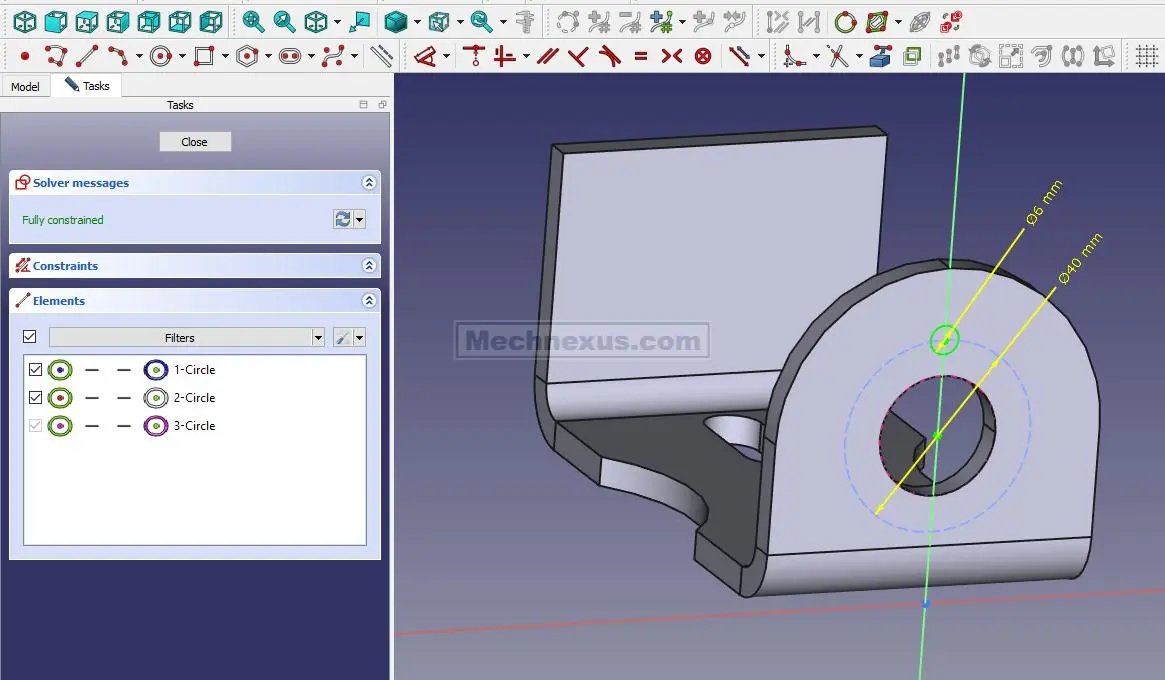 Now create the hole As shown in below image.
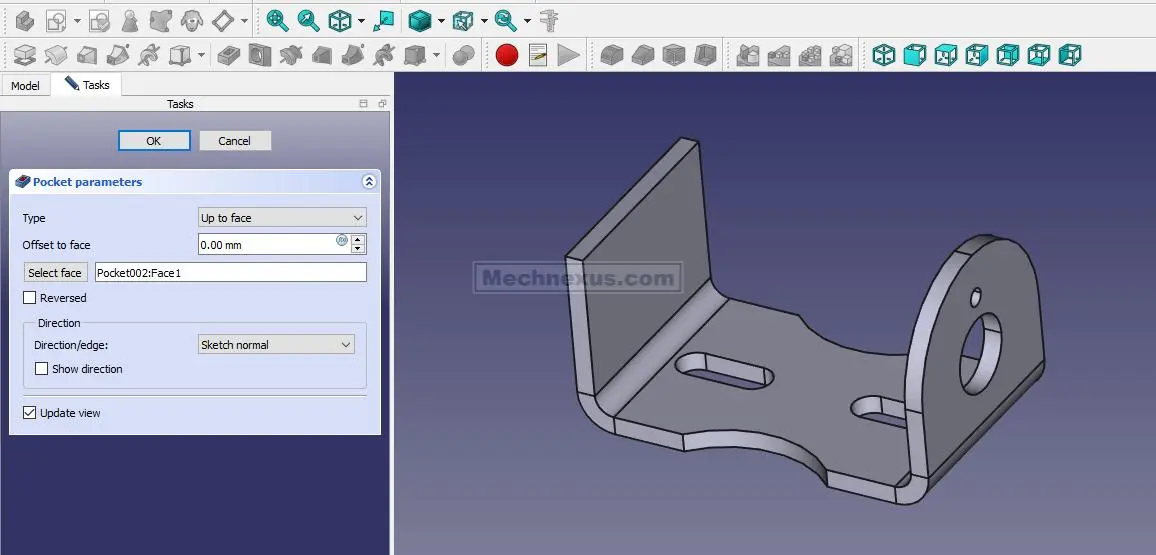 Create the polar Pattern As shown in below image.
 Now select the face and create below slot type sketch.
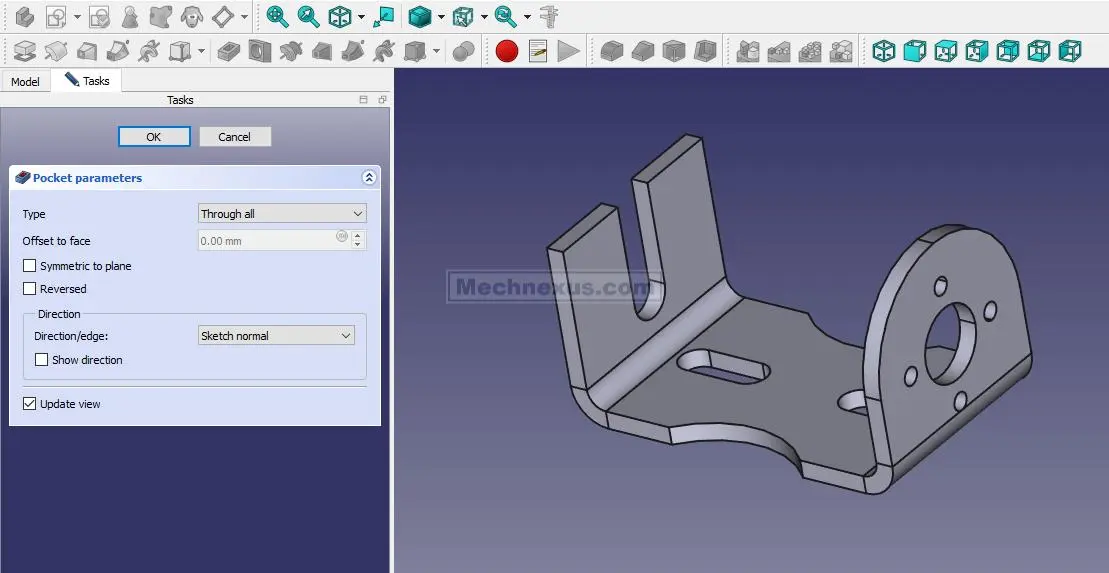
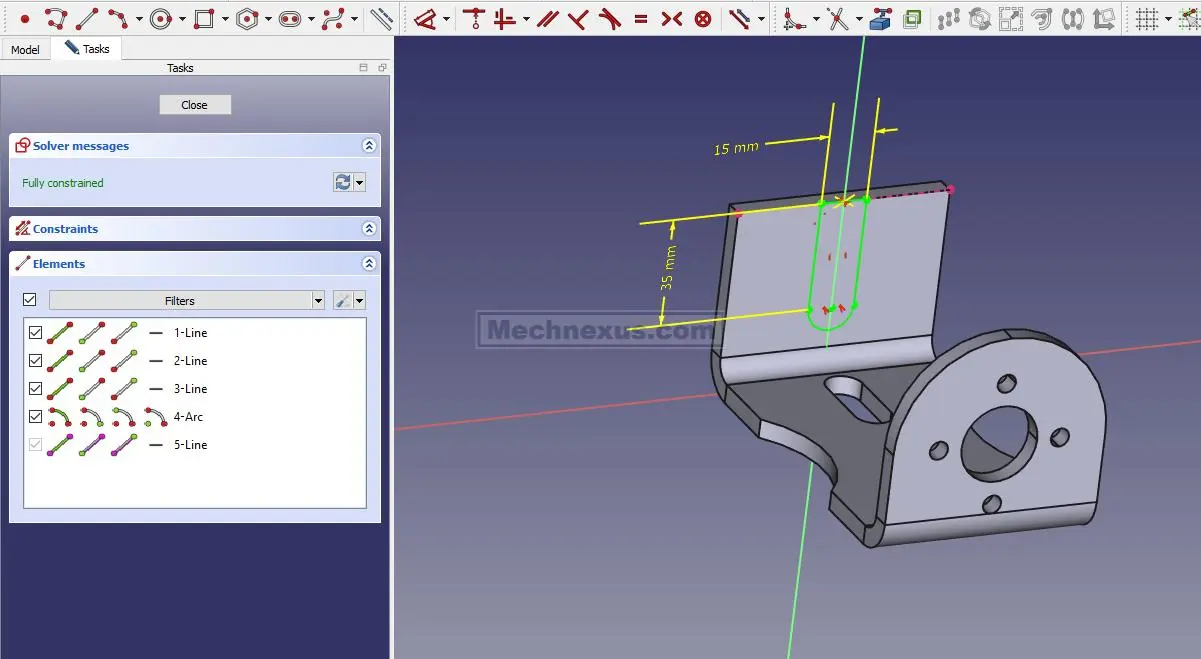 Now create the cut As shown in below image.
 Create the hole sketch As shown in below image.
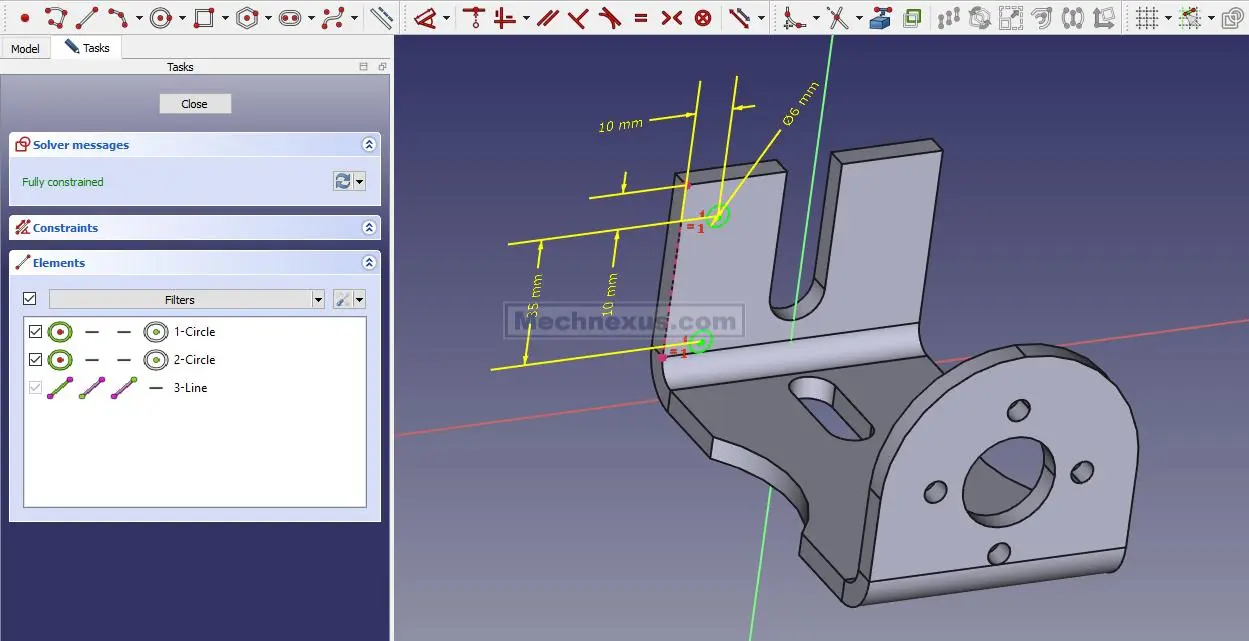 Create the hole As shown in below image.
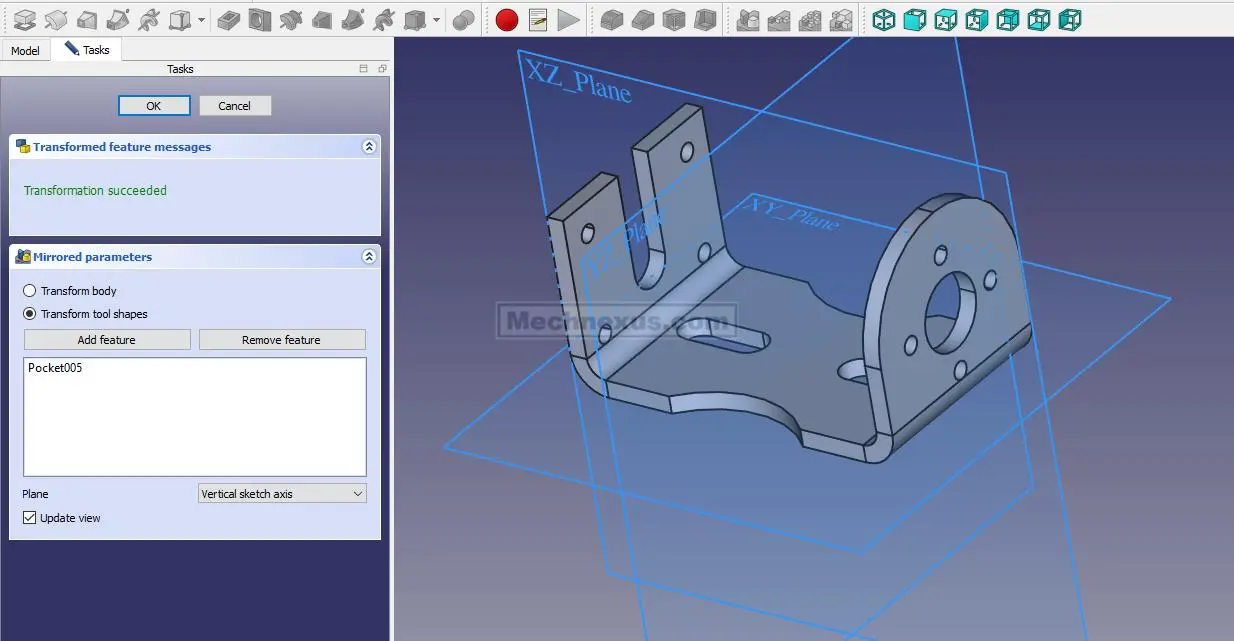
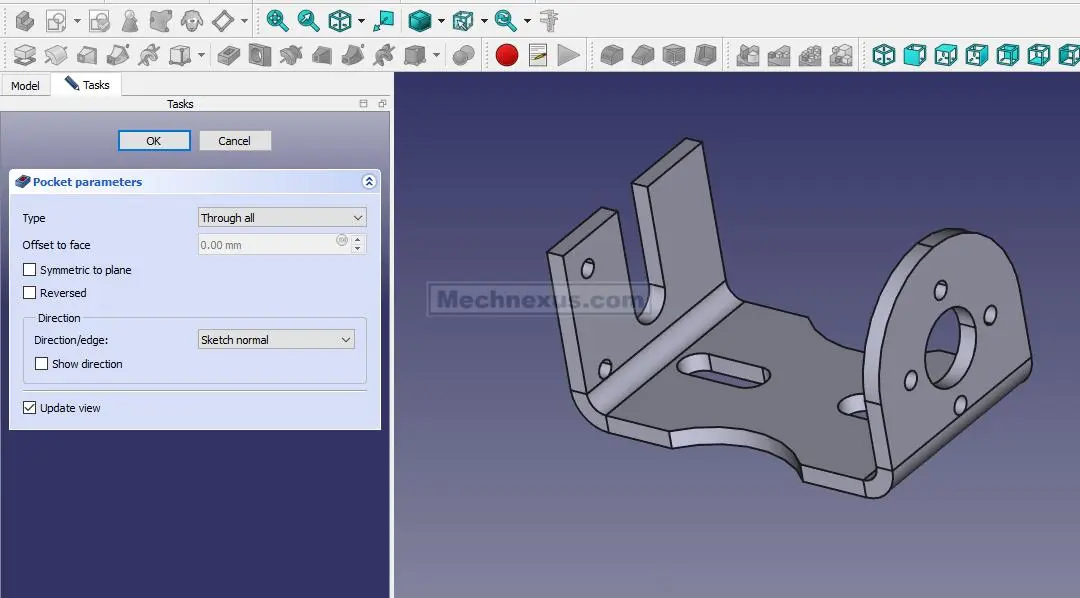 Now mirror the hole As shown in below image.
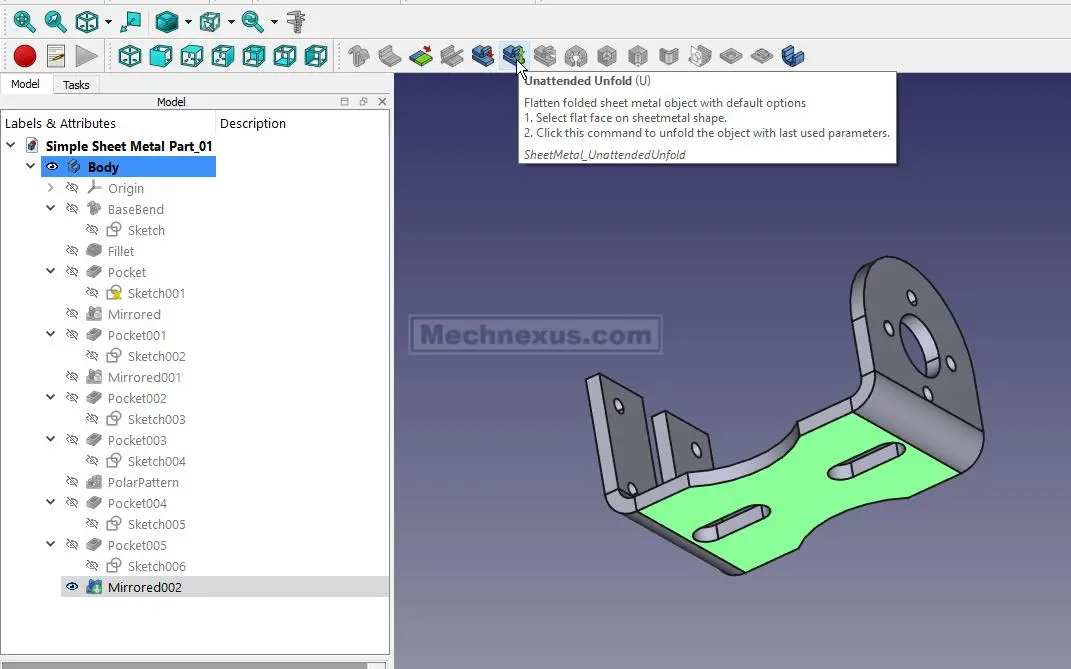
 Now select the bottom face and click on unfold option As shown in below image.
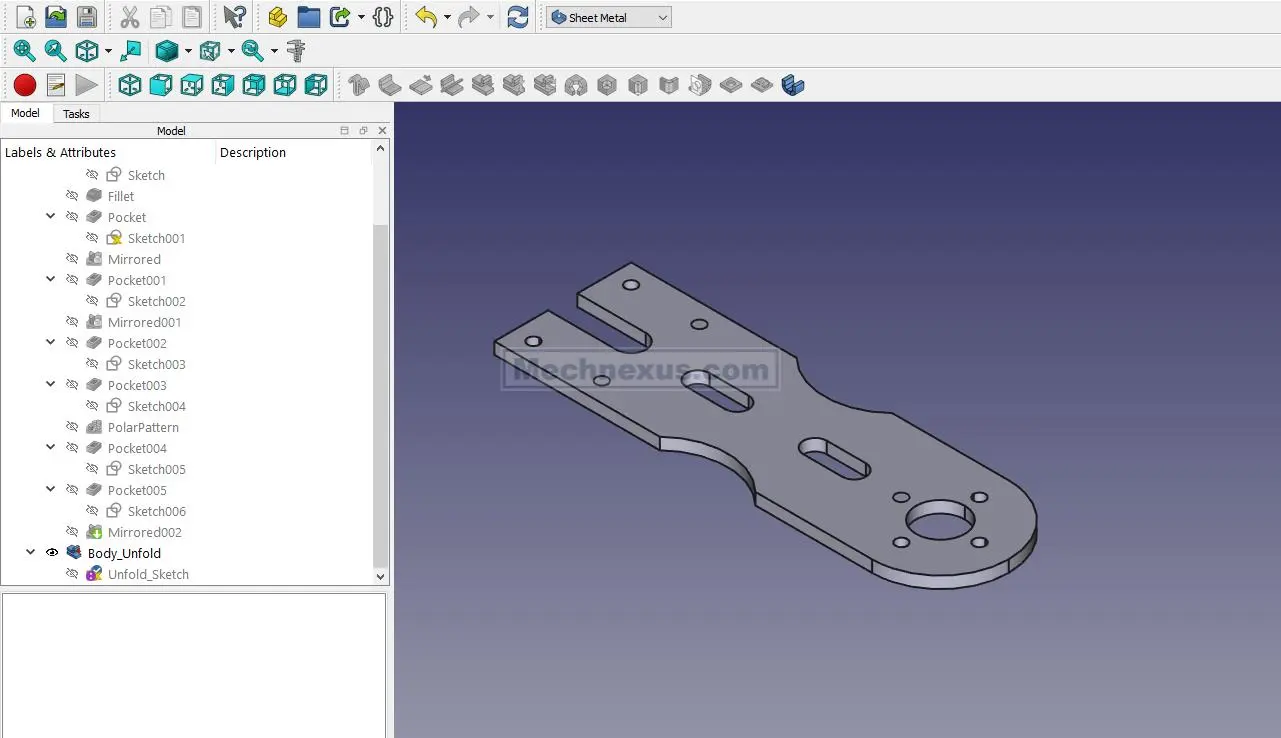
 Flat Pattern of our part is created As shown in below image.
“Thank you for reading! If you found this article insightful and valuable, consider sharing it with your friends and followers on social media. Your share can help others discover this content too. Let’s spread knowledge together. Your support is greatly appreciated!”
My FreeCAD Projects at Amount of Coffee-: