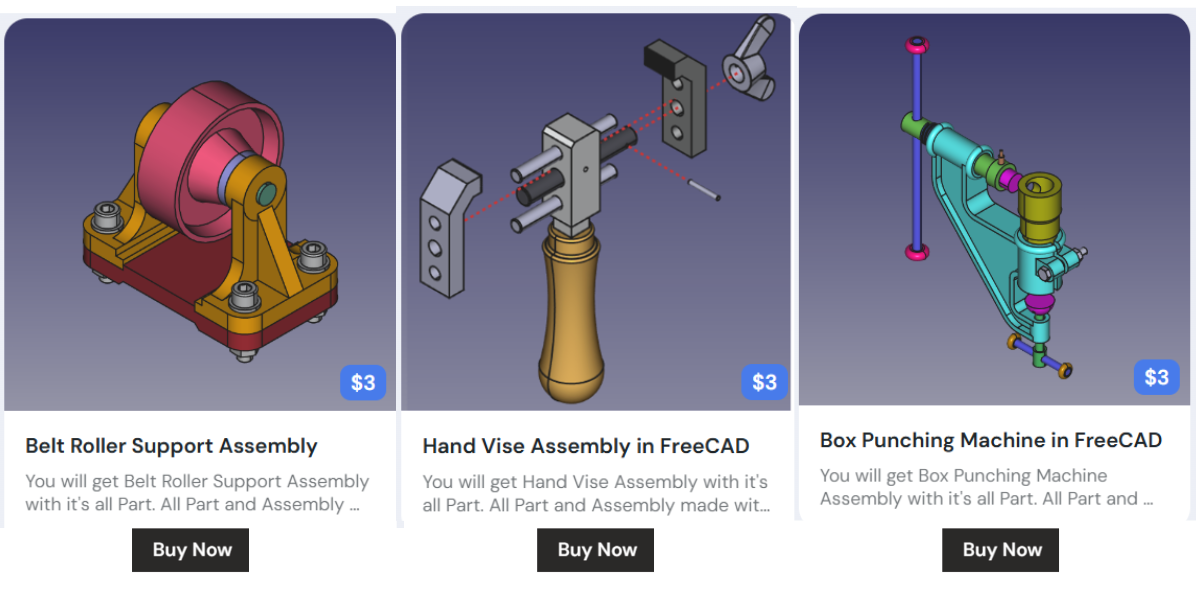
FreeCAD models and libraries are excellent learning resources that allow you to study completed designs, understand parametric workflows, and reuse existing components in your own projects. Here’s a brief overview of the key resources available.
Also Read-:
- Easily Rotate Sketch in FreeCAD
- Visit My FreeCAD Video Tutorial Library
- Easily Slice Part with Plane in FreeCAD
📚 Pre-built Models for Study and Deconstruction
Studying completed models is one of the most effective ways to understand FreeCAD’s parametric workflow and design philosophy.
| Resource | Description | Learning Value | Access Method |
|---|---|---|---|
| FreeCAD Example Files | Built-in example models included with FreeCAD installation. | Study how parametric models are constructed; examine feature trees and constraint strategies. | File → Open, navigate to Mod folder in installation directory. |
| Basic Part Design Tutorial File | Example .FCStd file from the official Basic Part Design Tutorial. |
Follow along with the tutorial while examining the completed model; understand sketch-based design. | GitHub Examples Repository. |
| DigiKey Tutorial Files | Complete set of FreeCAD files from the 10-part DigiKey tutorial series, including assembly examples. | Study multi-part assemblies and moving mechanisms; see professional workflow examples. | ShawnHymel’s GitHub Repository. |
| Raspberry Pi Projects | Beginner-friendly projects including dice, headphone tidy, and chess set designs. | Excellent for absolute beginners; simple designs that teach fundamental concepts. | Raspberry Pi Learning Repository. |
🧩 Parts Libraries for Reusable Components
Parts libraries provide collections of pre-made components that you can study, modify, and incorporate into your designs. This is particularly valuable for learning how parametric parts are constructed while building your design efficiency.
| Library | Description | Key Features | Installation |
|---|---|---|---|
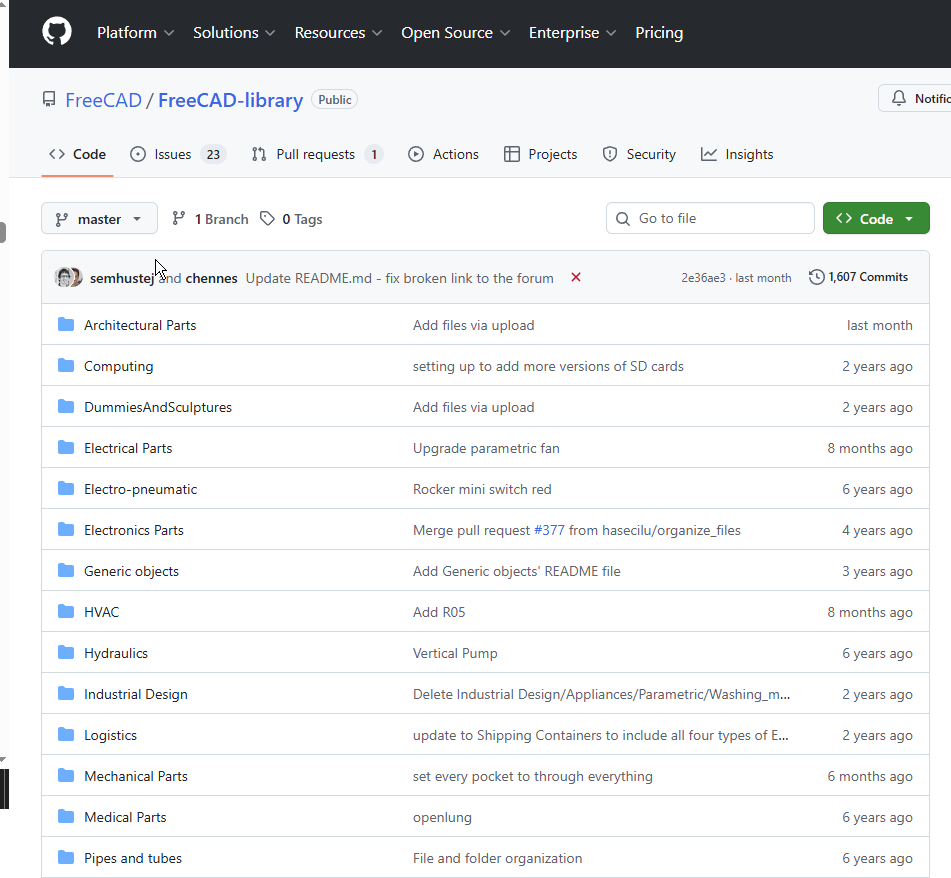
| FreeCAD Parts Library | Official community-maintained library of parts for various disciplines (mechanical, electrical, architectural, etc.). | – Contains objects in .FCStd, .STEP, and .BREP formats.– CC-BY 3.0 licensed – free to use with attribution. – Organized by categories (Mechanical Parts, Electrical Parts, HVAC, etc.). – Warning: ~1GB size – may take time to download. |
Via Addon Manager (Tools → Addon Manager) as ‘parts_library’. |
| Thingiverse | Massive community platform for 3D printable models. | Search for “FreeCAD” to find compatible files; learn how others approach similar design problems. | Web browser at thingiverse.com. |
| GrabCAD | Professional CAD model library with large FreeCAD collection . | Study mechanical designs from engineering professionals; access diverse component libraries. | Web browser at grabcad.com. |
| Open Source Ecology | Collection of open-source hardware designs. | Learn sustainable design principles; study complete product designs. | Open Source Ecology Wiki. |
🏗️ Specialized Model Collections
For specific disciplines, there are curated collections that serve both as learning resources and practical design tools.
| Collection | Focus Area | Learning Opportunities | Access |
|---|---|---|---|
| IFC Example Models | Architectural/BIM models in IFC format. | Study building structure hierarchy (IfcProject → IfcSite → IfcBuilding → IfcBuildingStorey). Learn proper BIM data organization. | – buildingSMART Sample Files – BIMPlot Collections |
| Fasteners Workbench | Standard fastener library (screws, nuts, bolts, washers). | Study parametric part design; learn how threaded components are modeled. | Via Addon Manager: Tools → Addon Manager → Fasteners Workbench. |
💡 Practical Tips for Using Models and Libraries as Learning Tools
To maximize your learning from these resources:
1. Deconstruct Before You Build
Open completed .FCStd files and examine the Combo View tree structure. See how experienced users organize their sketches, features, and constraints. Pay attention to naming conventions and feature dependencies.
2. Compare File Formats
Many library parts are available in both .FCStd (parametric) and .STEP (exchange) formats. Open both to understand the difference between editable parametric models and static geometry. This teaches you what information is preserved versus lost when exchanging formats.
3. Modify Existing Parts
Take a library component and modify its parameters. Change dimensions, add features, or combine multiple parts. This teaches you parametric design principles while building confidence.
4. Check Licensing
The FreeCAD Parts Library uses CC-BY 3.0 – you must attribute the original author. Other platforms have varying licenses; always verify before using components commercially.
5. Use the Macro Browser
The Parts Library includes a PartsLibrary.FCMacro tool that creates a browser window inside FreeCAD for easily adding parts to your projects. This is an excellent way to learn how macros can extend FreeCAD’s functionality.
6. Focus on Quality Examples
Not all IFC files are created equal – some may be poorly exported and full of junk data. Stick to reputable sources like buildingSMART’s canonical examples when learning proper BIM workflows.
- Thingiverse: https://www.thingiverse.com/
- Search for FreeCAD models shared by the community. Use the keyword “FreeCAD” to find compatible files.
- GrabCAD: https://grabcad.com/
- A large library of CAD models, including FreeCAD files.
- FreeCAD Models on GitHub: https://github.com/FreeCAD/FreeCAD-library
- A collection of FreeCAD models and parts for various applications.
- Open Source Ecology: https://wiki.opensourceecology.org/wiki/FreeCAD
- FreeCAD models and designs for open-source hardware projects.
“Thank you for reading! If you found this article insightful and valuable, consider sharing it with your friends and followers on social media. Your share can help others discover this content too. Let’s spread knowledge together. Your support is greatly appreciated!”

My FreeCAD Projects at Amount of Coffee-: