🌐 The Main Website and Documentation
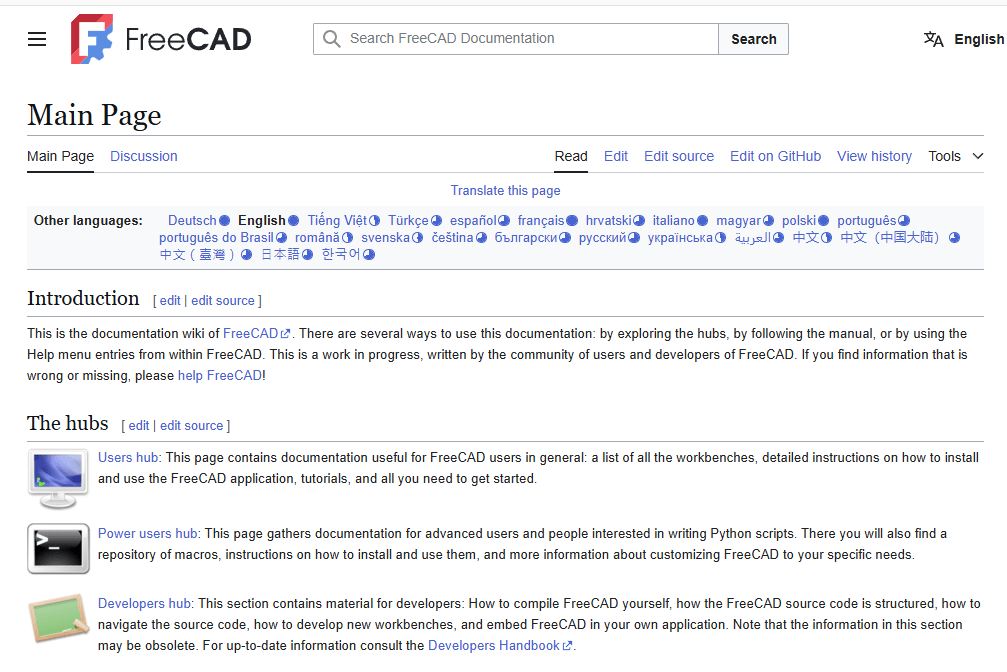
The journey begins at the official website (freecad.org), which serves as the central hub for downloading the software and finding the latest news about the project. For in-depth learning, the FreeCAD Documentation Wiki is the primary knowledge base. It contains everything from the User Hub for beginners to the Power Users Hub for those interested in Python scripting.
💬 Community and Help
When you need assistance, the FreeCAD forum is the most active and recommended place to ask questions and get help from the community. For real-time chat, you can connect with other users and developers on the official Discord server or the #freecad IRC channel on libera.chat.
💻 Development and Contribution
For those interested in the inner workings or contributing to the code, the GitHub repository hosts the entire source code. It’s also where you can report bugs or suggest new features through the issue tracker. Complementing this is the Developer Documentation, which provides the technical details needed to compile FreeCAD, understand its architecture, and start contributing code.
- FreeCAD Website: https://www.freecad.org/
- Download the latest version of FreeCAD.
- Access official documentation and user manuals.
- FreeCAD GitHub Repository: https://github.com/FreeCAD/FreeCAD
- Report bugs, request features, or contribute to the development of FreeCAD.
- FreeCAD Wiki: https://wiki.freecad.org/
- Comprehensive documentation, tutorials, and guides for all FreeCAD workbenches and tools.
Also Read-:

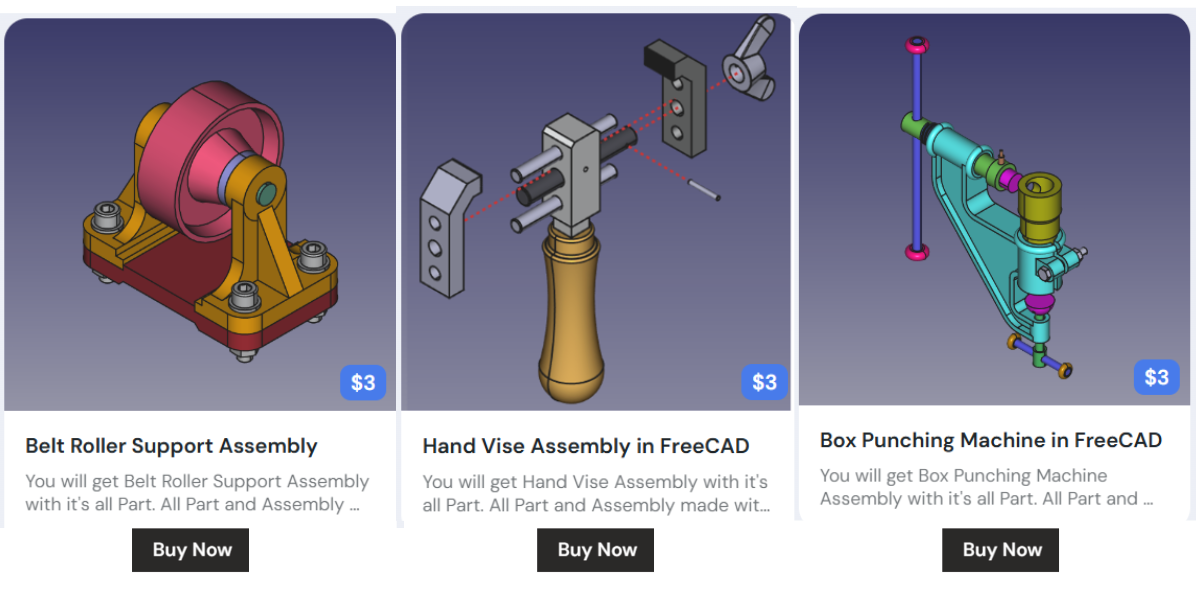
My FreeCAD Projects at Amount of Coffee-: