FreeCAD is one of the best open-source CAD application powered by Python programming language. FreeCAD is Free and it is a complete CAD software because you can not only can create 3D model and 2D drawing but also FEM, CAM etc. in single application. FreeCAD is very useful for small scale industries because it helps them to reduce their cost. FreeCAD community is very active and you can get support of your problems while using FreeCAD. Below is some key features of FreeCAD that anybody can do.
1. Design Mechanical Parts and Assemblies:
Workbenches: Part, Part Design, Draft
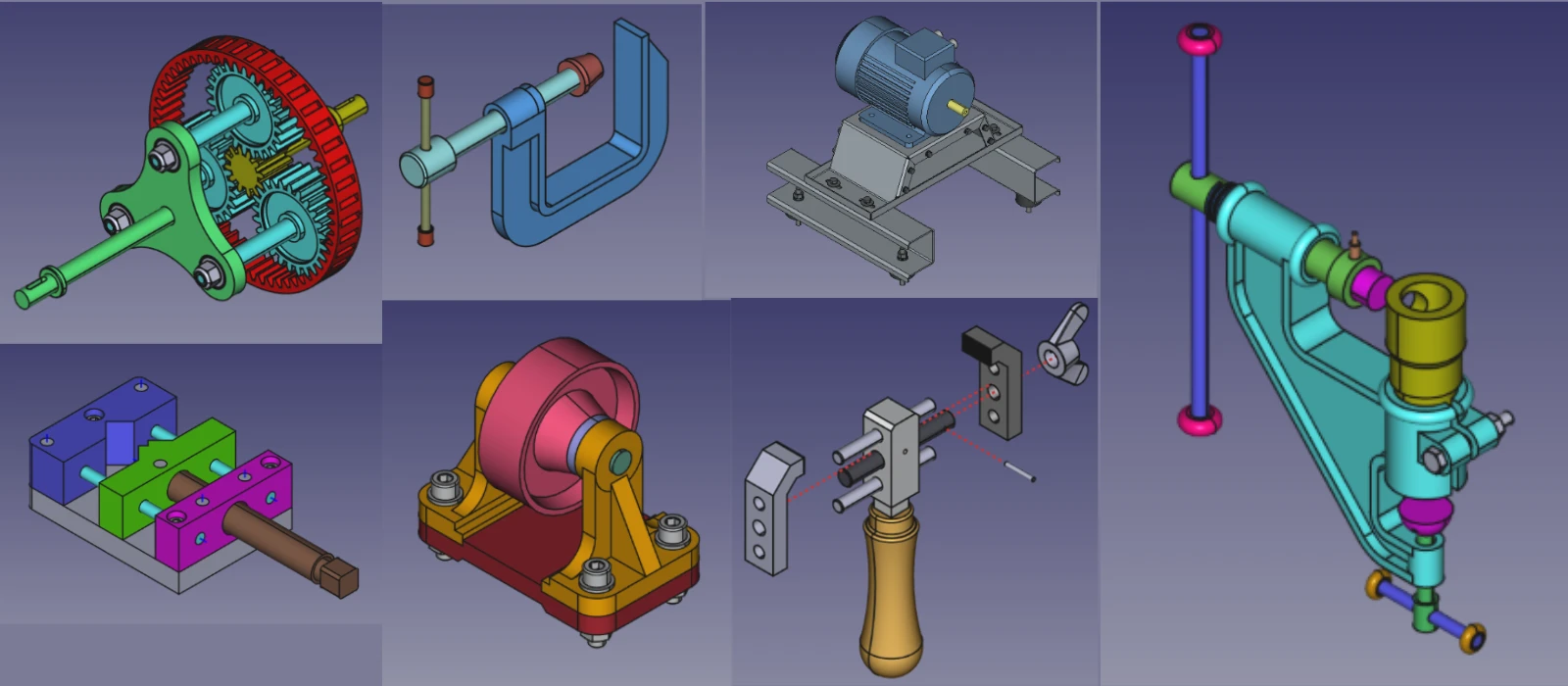
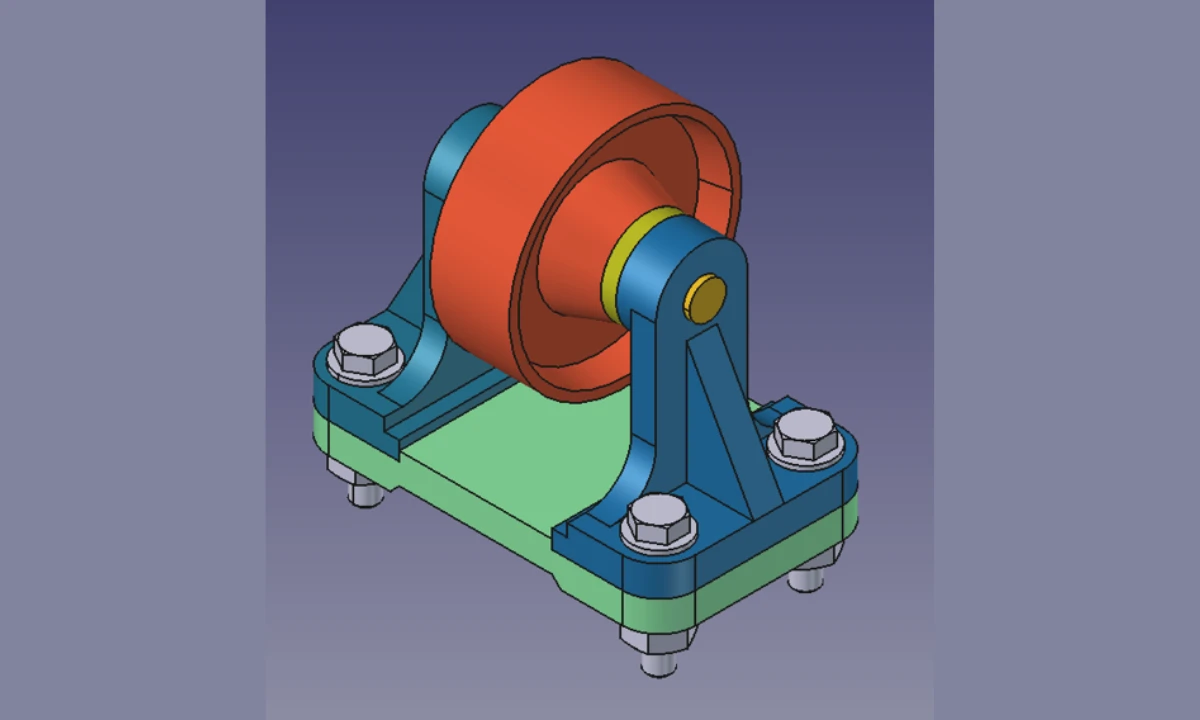
With FreeCAD, anyone can design mechanical parts and assemblies easily. You start with a 2D sketch, then use tools like Pad, Pocket, Revolve, and Loft to turn that sketch into a 3D solid. You can apply fillets, chamfers, and patterns to refine the part. The Draft workbench helps you create 2D geometry, arrays, and structural elements. You can then combine multiple parts into a single assembly, apply constraints, and check for interference. Whether you are designing a bracket, a gearbox, or a machine frame, the Part and Part Design workbenches give you everything you need.
2. Create Architectural and Civil Engineering Models:
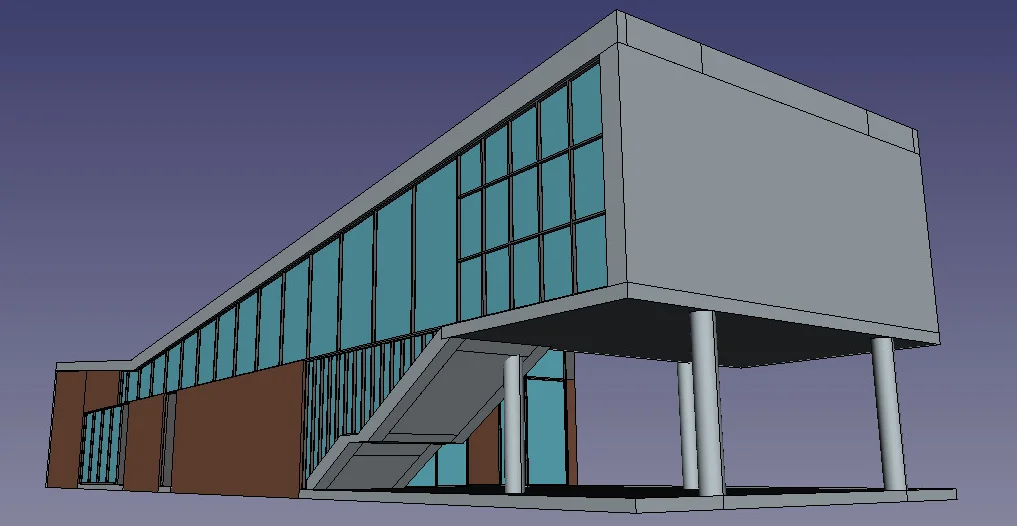
Workbenches: Arch, BIM, Draft
With FreeCAD, anyone can create architectural and civil engineering CAD models and drawings. The Arch and BIM workbenches let you design walls, floors, roofs, doors, windows, and structural elements. You can model a complete building, generate floor plans, and produce elevation and section views. The Draft workbench supports 2D drafting for site plans and layouts. You can also import and export IFC files, which is the standard format for BIM collaboration. FreeCAD is used by architects, civil engineers, and construction professionals around the world.
3. Simulate and Test Designs:
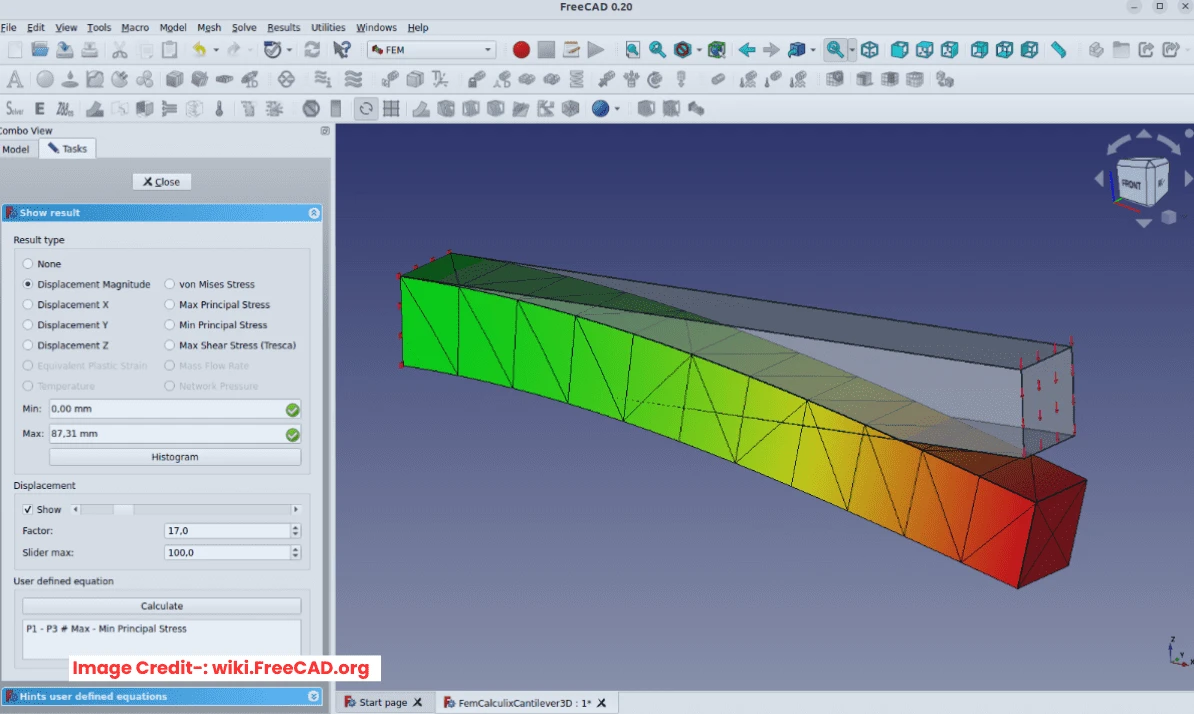
Workbenches: FEM, Path
With FreeCAD, anyone can simulate CAD models and test their designs. The FEM workbench lets you run Finite Element Analysis to check stress, deformation, and thermal behavior. You can apply forces, constraints, and materials, then view the results as color maps. The Path workbench lets you generate CNC toolpaths for milling, drilling, and cutting. You can simulate the machining process and export G-code for your CNC machine. Whether you are validating a mechanical part or preparing it for manufacturing, FreeCAD gives you the tools to test before you build.
4. Create 2D Drawings for Manufacturing:
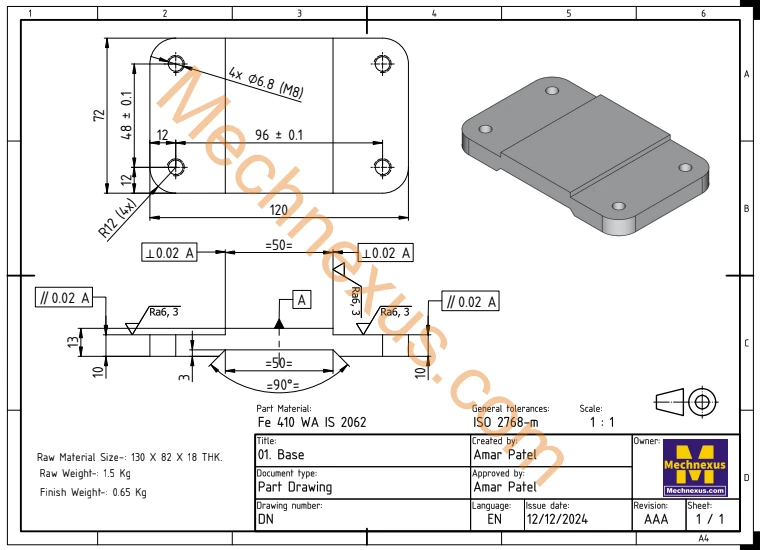
Workbench: TechDraw
You can easily create 2D drawings for manufacturing and technical documentation. The TechDraw workbench lets you generate orthographic views, section views, detail views, and auxiliary views from your 3D model. You can add dimensions, tolerances, GD&T symbols, and annotations. You can use standard title blocks and templates, and export your drawings as PDF, DXF, or SVG. This is the same documentation standard used in professional engineering and manufacturing.
5. Export Models for 3D Printing and CNC:
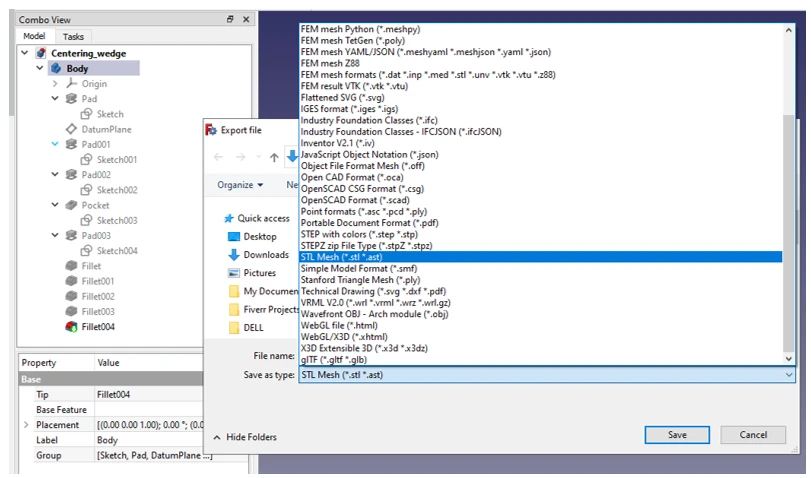
Formats: STEP, IGES, STL
You can easily export FreeCAD models in neutral CAD formats like STEP, IGES, and STL. STEP and IGES are used for sharing models between different CAD software. STL is the standard format for 3D printing. You can also export DXF for laser cutting and CNC routing. This means your FreeCAD model can be used by manufacturers, 3D printing services, and CNC machinists without compatibility issues.
6. Customize with Python Programming:
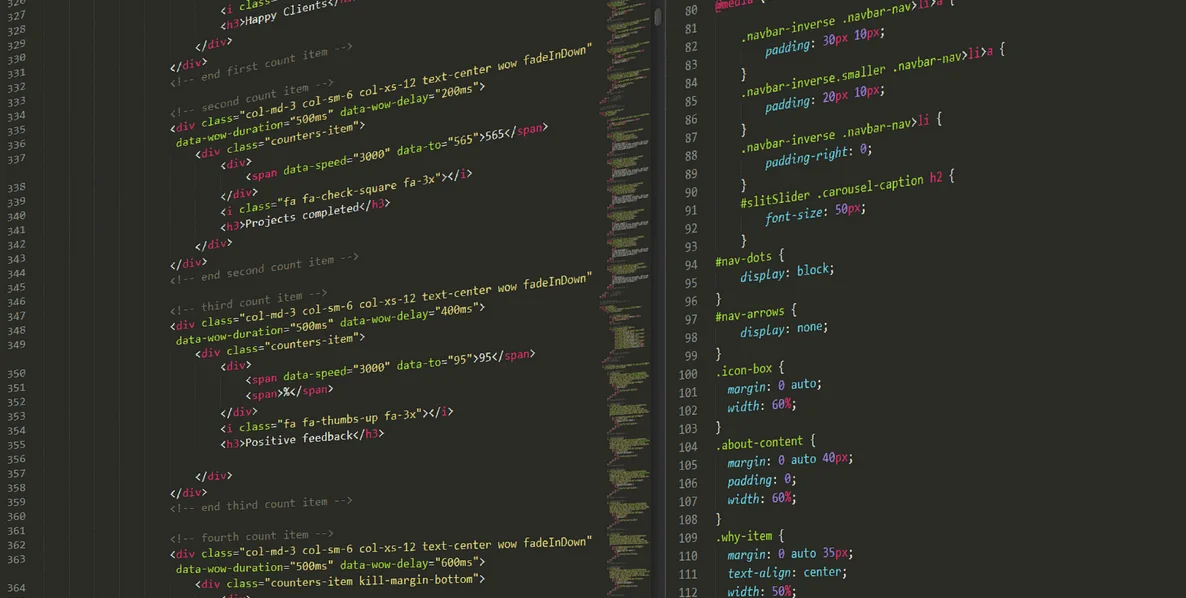
Workbench: Python Console, Macros
FreeCAD is fully customizable with the help of Python programming language. You can write scripts to automate repetitive tasks, create custom tools, and build your own workbenches. The Python console lets you interact with your model directly. You can record macros to replay actions, and share them with the community. If you can write Python, you can make FreeCAD do almost anything. This is what makes FreeCAD different from every other CAD software.
“Thank you for reading! If you found this article insightful and valuable, consider sharing it with your friends and followers on social media. Your share can help others discover this content too. Let’s spread knowledge together. Your support is greatly appreciated!”
Watch Video Version of this Tutorial-:
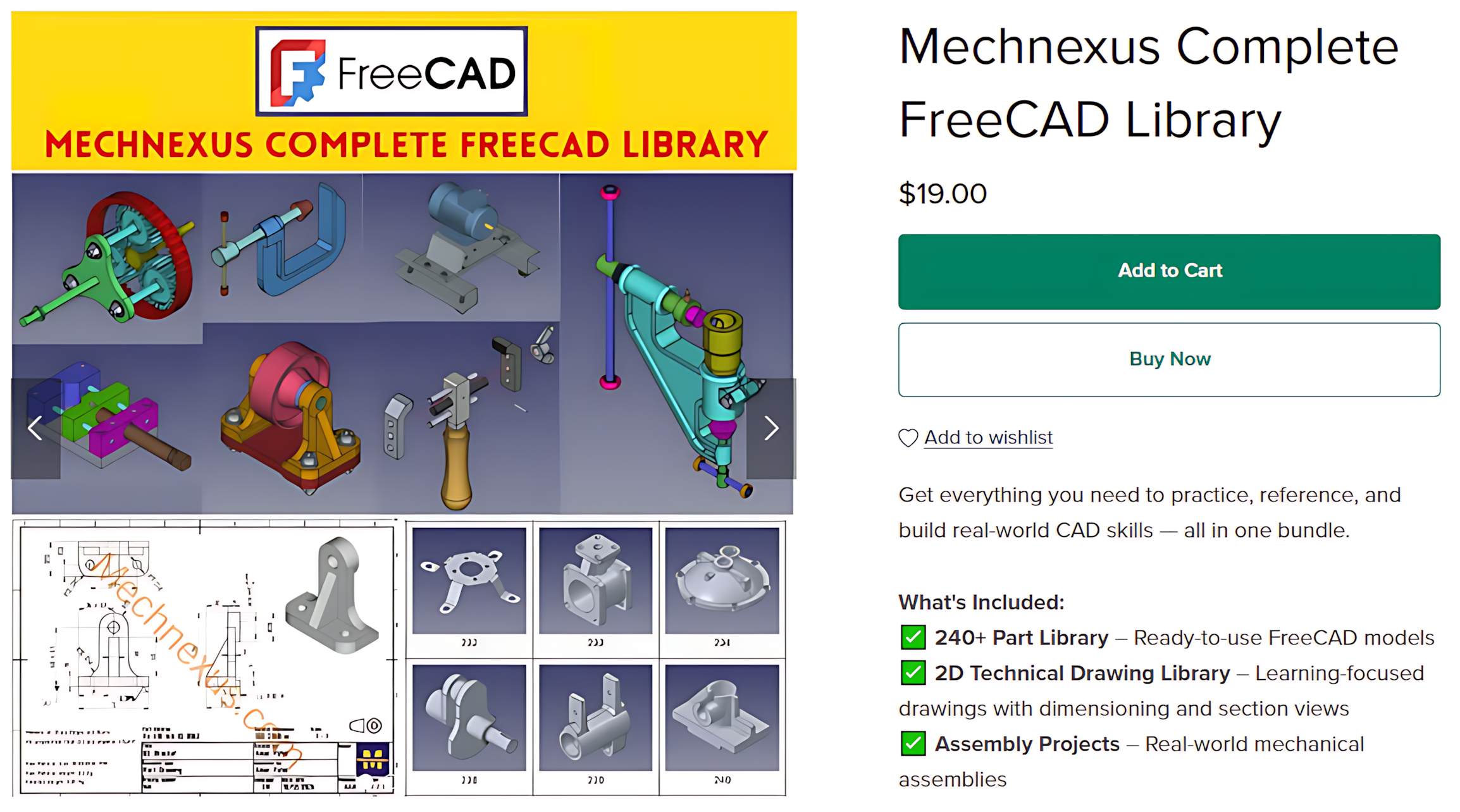
 My FreeCAD Projects,Model & Drawing now on Payhip